Lessons about UI (page 2)
The links, tools and tips our engineers and designers share with each other, one “today I learned” at a time.
- lessons shared
- 217
- people sharing
- 20
- database started in
- 2017








Tech Insights
The lorem ipsum of illustrations
Shared by
- Design
- Illustration
- Interface
- Landing Page
- Marketing
- UI

visme.co
At the end of a big redesign project, invest a couple minutes…
At the end of a big redesign project, invest a couple minutes to prepare a quick pitch (up to 3 slides) with all the product value that was brought by the improvements so the investment is clear beyond just “pixel waxing”.
Pedro Bacelar
Tech Insights· visme.co
At the end of a big redesign project, invest a couple minutes…
At the end of a big redesign project, invest a couple minutes to prepare a quick pitch (up to 3 slides) with all the product value that was brought by the improvements so the investment is clear beyond just “pixel waxing”.
Shared by
Read on visme.co- Communication
- Consultancy
- Design
- Redesign
- UI
- UX
Tech Insights· medium.com
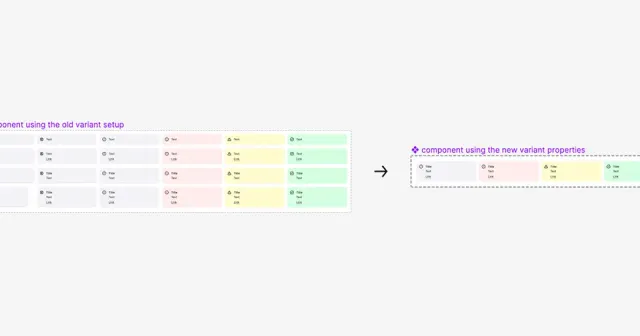
How to choose between radios, drop-downs, checkboxes or toggles?
Shared by
Read on medium.com- Design
- Form
- Input
- UI
- UX
Tech Insights· uxdesign.cc
How to safely upgrade and deprecate components in Figma
Shared by
Read on uxdesign.cc- Component
- Design System
- Design System
- Figma
- UI
help.figma.com
Move published components and component sets between files, without breaking links to instances.
Who can use this feature Professional, Education, Organization, Government, and Enterprise plans Requires edit access to both the origin and destination files Move published components and co...
Anna Erbetta
Tech Insights· help.figma.com
Move published components and component sets between files, without breaking links to instances.
From help.figma.com
Who can use this feature Professional, Education, Organization, Government, and Enterprise plans Requires edit access to both the origin and destination files Move published components and co...
Shared by
Read on help.figma.com- Design
- Figma
- UI

Tech Insights· webflow.com
Accessibility checklist from Webflow
Shared by
Read on webflow.com- Accessibility
- Checklist
- Design
- Front End
- UI
- UX
- Wacg

Tech Insights· mui-treasury.com
Open collection of customized MUI components
Shared by
Read on mui-treasury.com- Componentization
- Components
- Design
- Design System
- Design System
- Front End
- React
- Styleguide
- UI
Tech Insights· forum.figma.com
Creating one-third or two-third responsive layouts in Figma
Shared by
Read on forum.figma.com- Design
- Figma
- Layout
- Responsive
- Responsiveness
- UI
Today I learned
When dealing with extensive Figma files with dozens of different Pages, you can create an empty page between other pages and ...
When dealing with extensive Figma files with dozens of different Pages, you can create an empty page between other pages and call it ” ” to create breathing rooms between contexts and make the file more amicable to navigate.
Pedro Bacelar
Tech Insights
When dealing with extensive Figma files with dozens of different Pages, you can create an empty page between other pages and ...
When dealing with extensive Figma files with dozens of different Pages, you can create an empty page between other pages and call it ” ” to create breathing rooms between contexts and make the file more amicable to navigate.
Shared by
- Design
- Documentation
- Figma
- UI
Tech Insights· figma.com
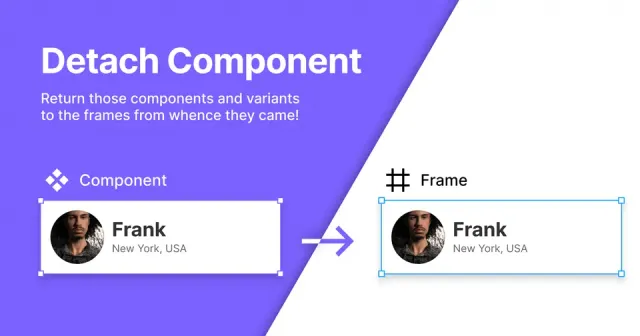
Detach components, just like you detach instances with this simple plugin.
Shared by
Read on figma.com- Design
- Design System
- Design System
- Figma
- Figma Components
- UI
Tech Insights· figma.com
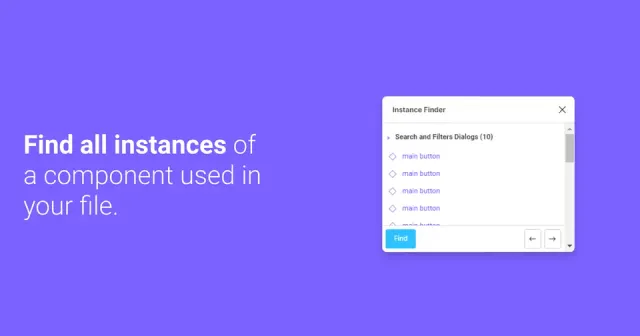
Find all Instances of a Component used in your file.
Shared by
Read on figma.com- Design
- Design System
- Design System
- Figma
- Figma Components
- UI
pika.rishimohan.me
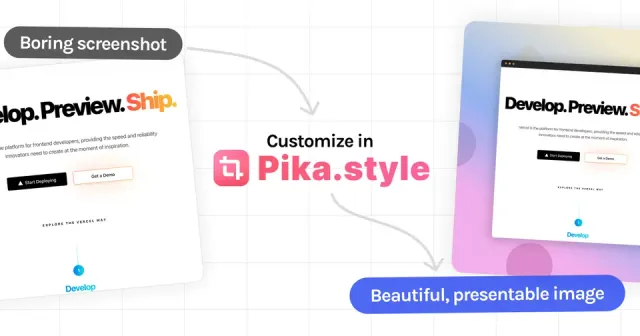
A free, open-source app to quickly generate beautiful *screenshots*. Apply backgrounds, shadows, add rounded corners and more
Make your screenshots look great with backgrounds, device and browser frames, shadows and text, or capture any website. A free online screenshot beautifier.
Caroline Ribeiro
Tech Insights· pika.rishimohan.me
A free, open-source app to quickly generate beautiful *screenshots*. Apply backgrounds, shadows, add rounded corners and more
From pika.rishimohan.me
Make your screenshots look great with backgrounds, device and browser frames, shadows and text, or capture any website. A free online screenshot beautifier.
Shared by
Read on pika.rishimohan.me- Presentations
- Tools
- UI

Tech Insights· medium.com
Stop using 40px touch targets
Shared by
Read on medium.com- Design
- Mobile
- Responsive
- UI
- UX

Tech Insights· blog.prototypr.io
Dashboard design: 6 things every UX designer should know
Shared by
Read on blog.prototypr.io- Dashboards
- Product Design
- Product Design
- UI
- UX
Tech Insights· uxdesign.cc
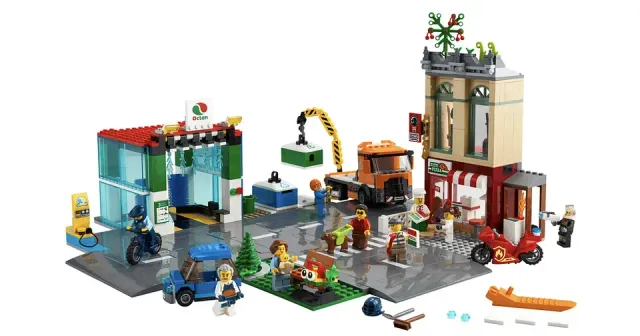
Design system: LEGO kits syndrome
Shared by
Read on uxdesign.cc- Design
- Design Library
- Design System
- Design System
- UI
Book a call
Found it useful?
Let’s put it to work.
Tell us about your product and the problem in front of you. We’ll bring what we’ve learned on real projects.
Tell us about your product, and we’ll bring what we’ve learned.
Still prefer the good old email? Contact us