
Lessons about Design (page 18)
The links, tools and tips our engineers and designers share with each other, one “today I learned” at a time.
- lessons shared
- 357
- people sharing
- 25
- database started in
- 2016








Tech Insights· uxplanet.org
some tips to handle colors on UI design
Shared by
Read on uxplanet.org- Color
- Design
- UI
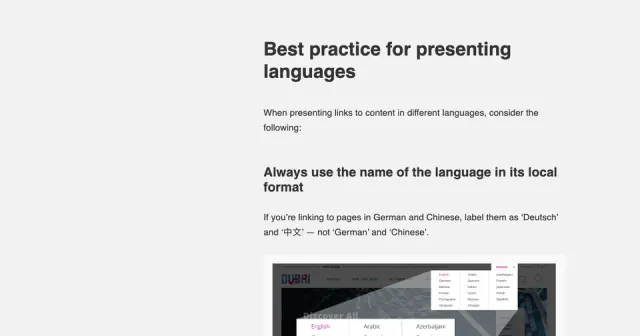
Tech Insights· flagsarenotlanguages.com
Best practices to display available languages
Shared by
Read on flagsarenotlanguages.com- Design
- UI
nngroup.com
great guidelines for designing breadcrumbs and secondary navigation
Support wayfinding by including breadcrumbs that reflect your site's information hierarchy. On mobile, avoid using breadcrumbs that are too tiny or wrap.
Aline Silveira
Tech Insights· nngroup.com
great guidelines for designing breadcrumbs and secondary navigation
From nngroup.com
Support wayfinding by including breadcrumbs that reflect your site's information hierarchy. On mobile, avoid using breadcrumbs that are too tiny or wrap.
Shared by
Read on nngroup.com- Design
- Navigation
- UI
- UX
nngroup.com
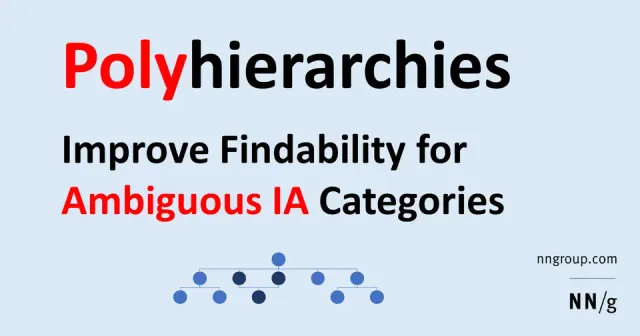
how to deal with polyhierarchical IA trees
When an item fits in more than one category, your IA structure can include multiple parents for that item to avoid losing users.
Aline Silveira
Tech Insights· nngroup.com
how to deal with polyhierarchical IA trees
From nngroup.com
When an item fits in more than one category, your IA structure can include multiple parents for that item to avoid losing users.
Shared by
Read on nngroup.com- Design
- Information Architecture
- UI
emacsway.github.io
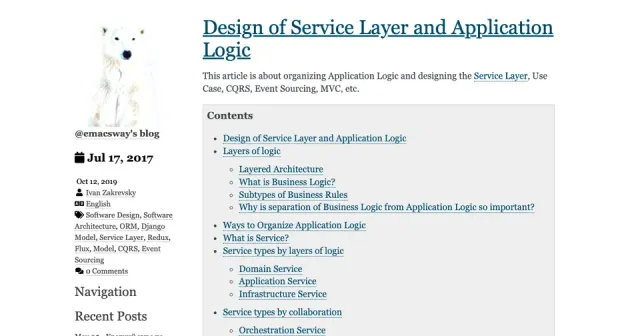
Design of Service Layer:
This article is about organizing Application Logic and designing the Service Layer, Use Case, CQRS, Event Sourcing, MVC, etc.
Rebeca Sarai
Tech Insights· emacsway.github.io
Design of Service Layer:
From emacsway.github.io
This article is about organizing Application Logic and designing the Service Layer, Use Case, CQRS, Event Sourcing, MVC, etc.
Shared by
Read on emacsway.github.io- Design
- Services
Tech Insights· uxplanet.org
kinds of breadcrumbs and when to use them
Shared by
Read on uxplanet.org- Design
- Navigation
- UI
Tech Insights· tobiasahlin.com
It’s very practical to use mouse cursor icons across your UI mockups to indicate hover, drag and blocked states on desktop. Here’s an asset with all available cursor states:
Shared by
Read on tobiasahlin.com- Design
- UI
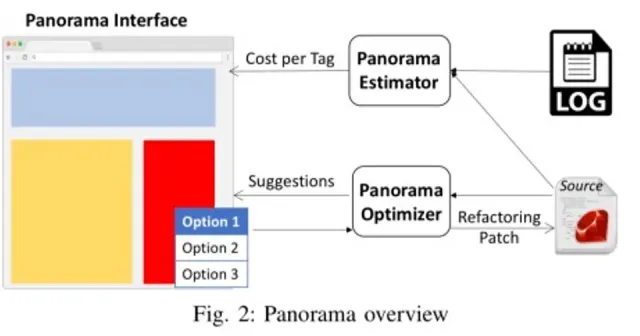
blog.acolyer.org
"Rather than accepting the current rendered view (web page) as seen by the end-user as fixed, and then asking what can be don...
"Rather than accepting the current rendered view (web page) as seen by the end-user as fixed, and then asking what can be done to optimise the end-to-end loading time of that page, this paper examines the question of what changes to the current view could dramatically reduce its load time? I.e., small (or sometimes not so small) changes to what the end user ultimately sees on the page, that can have a net benefit on the overall user experience" -
Flávio Juvenal
Tech Insights· blog.acolyer.org
"Rather than accepting the current rendered view (web page) as seen by the end-user as fixed, and then asking what can be don...
"Rather than accepting the current rendered view (web page) as seen by the end-user as fixed, and then asking what can be done to optimise the end-to-end loading time of that page, this paper examines the question of what changes to the current view could dramatically reduce its load time? I.e., small (or sometimes not so small) changes to what the end user ultimately sees on the page, that can have a net benefit on the overall user experience" -
Shared by
Read on blog.acolyer.org- Design
- Performance
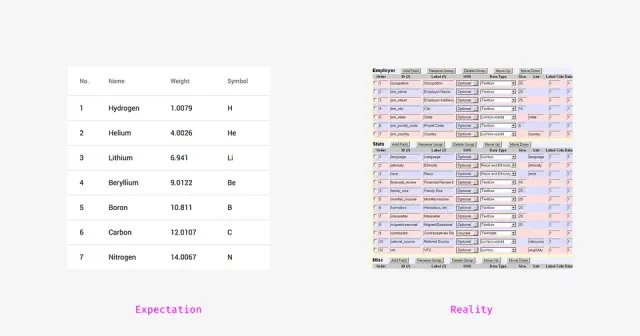
Tech Insights· medium.muz.li
How to Design Large and Complex Web Tables
Shared by
Read on medium.muz.li- Design
- Tables
- UI
- UX
stubborn.fun
Get the opportunity to design your characters using our generator absolutely for free
Felipe Farias
Tech Insights· stubborn.fun
Get the opportunity to design your characters using our generator absolutely for free
Shared by
Read on stubborn.fun- Design
- Illustration
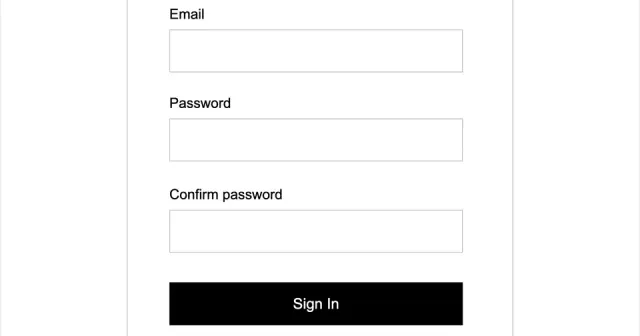
justinmind.com
Prototyping Forms and Inputs using Justinmind
With Justinmind, you can create interactive forms in your prototypes to simulate user input experiences, such as registration, login, and search forms.
Pedro Bacelar
Tech Insights· justinmind.com
Prototyping Forms and Inputs using Justinmind
From justinmind.com
With Justinmind, you can create interactive forms in your prototypes to simulate user input experiences, such as registration, login, and search forms.
Shared by
Read on justinmind.com- Design
- Form
- Prototyping
- UI
- Link offline
thegreatcoursesdaily.com · offline
Use the Rule of 100 to determine wether to represent discounts on a product price tag with percentages (20% off) or absolute values ($20 off)
Pedro Bacelar
Link offlineTech Insights· thegreatcoursesdaily.com
Use the Rule of 100 to determine wether to represent discounts on a product price tag with percentages (20% off) or absolute values ($20 off)
Shared by
The original link on thegreatcoursesdaily.com is no longer available.
Look for it on the Wayback Machine- Design
- E Commerce
- Sales
- UX
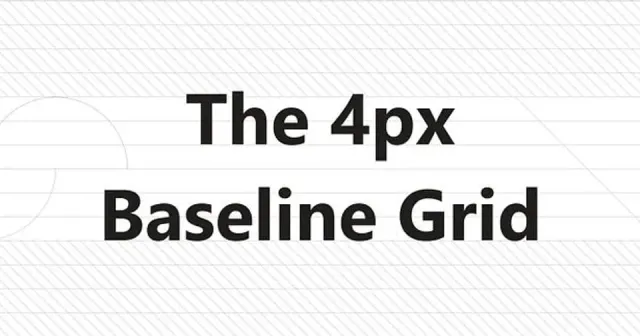
Tech Insights· uxdesign.cc
The 4px Baseline Grid : How to use it and why is it important for UI design
Shared by
Read on uxdesign.cc- Design
- Typography
- UI
Tech Insights· uxdesign.cc
A Complete UI cheat sheet for Buttons
Shared by
Read on uxdesign.cc- Components
- Design
- UI
Tech Insights· labs.tineye.com
Extracting palettes from images using TinyEye
Shared by
Read on labs.tineye.com- Design
- Palette
Book a call
Found it useful?
Let’s put it to work.
Tell us about your product and the problem in front of you. We’ll bring what we’ve learned on real projects.
Tell us about your product, and we’ll bring what we’ve learned.
Still prefer the good old email? Contact us